


You want to change your mobile number on Bigo Live but don’t know where to start. It can feel confusing at first, especially since your phone number is tied to your account for verification and security. But don’t worry, it’s actually easy when you know the steps. In this guide, I’ll walk you through the exact process to update your number safely and quickly. Plus, I’ll share tips to avoid common mistakes.
4 Easy Steps to Change Your Mobile Number on Bigo Live
-
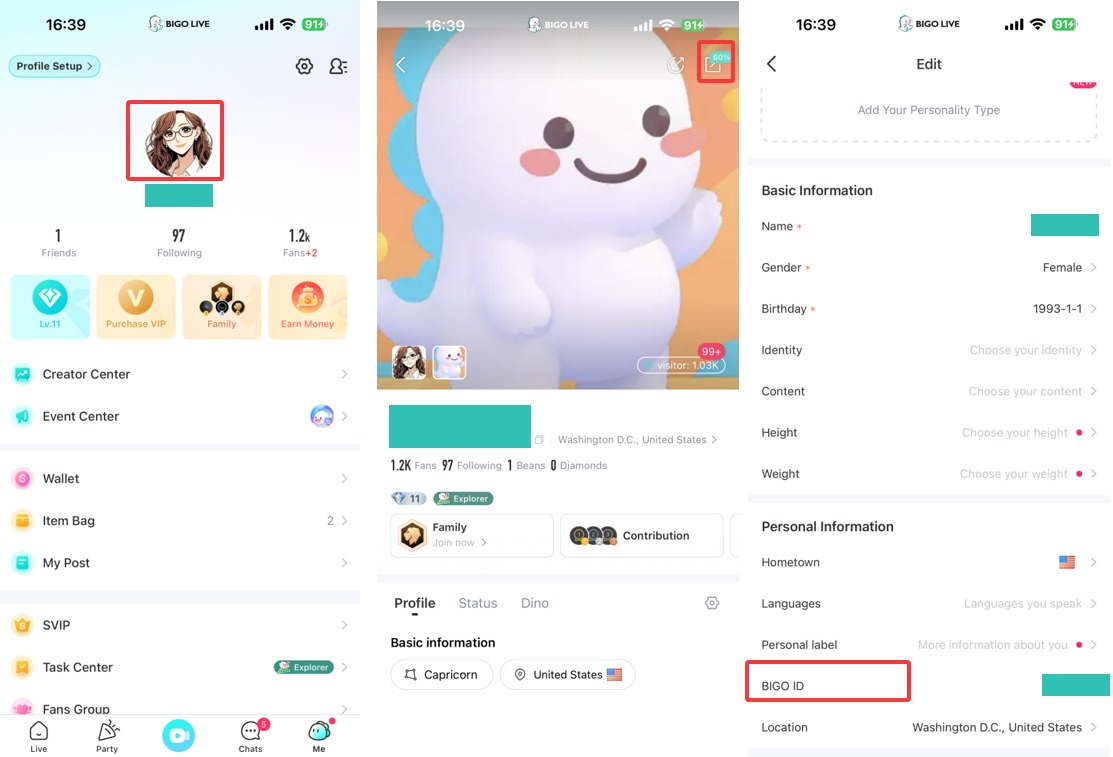
Open Bigo Live and Go to Settings
Launch the app, tap the “Me” icon at the bottom right, then tap the gear icon (Settings) at the top right. -
Access Account Management and Select Change Phone Number
Tap “Account Management”, then tap your current mobile number and choose “Change Phone Number”. -
Verify Your Current Number
Tap “Send” to get a verification code on your current phone. Enter the code to confirm it’s you. -
Enter and Verify Your New Number
Input your new phone number, tap “Send” to receive a new code, then enter that code to finish the update.
Note: If you have stopped using the old phone number, you won’t be able to change your phone number in this way. In this case, please submit your issue to our online customer service via “Feedback”.
Conclusion
Changing your mobile number on Bigo Live is simple and secure when you follow these clear steps. Always verify both your old and new numbers to keep your account safe. Now you can enjoy using Bigo Live with your updated contact info!
